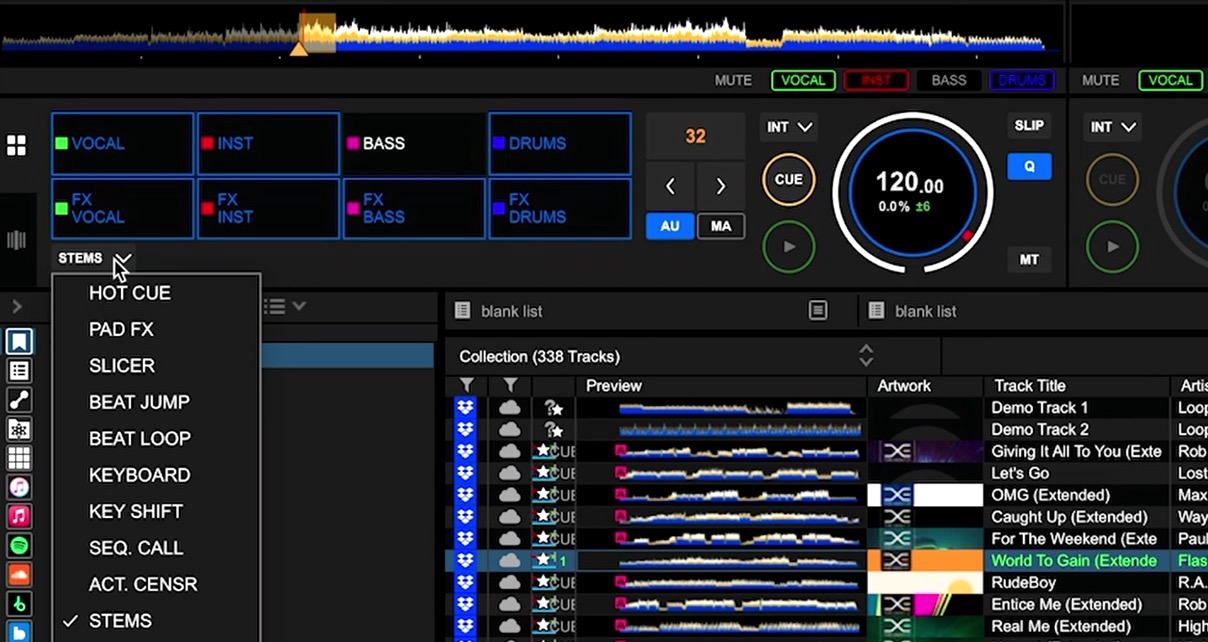
Here’s a question: what do you do if your DJ software has real-time stems separation, but your controller has no way to control it? Maybe you’re running a DDJ-FLX4 with Rekordbox, and you can see the stems sitting right there in the software, but there’s nothing on your hardware to grab hold of them. Your options, until now, have basically been “buy a more expensive controller” or “click around with a mouse”. Neither is great.
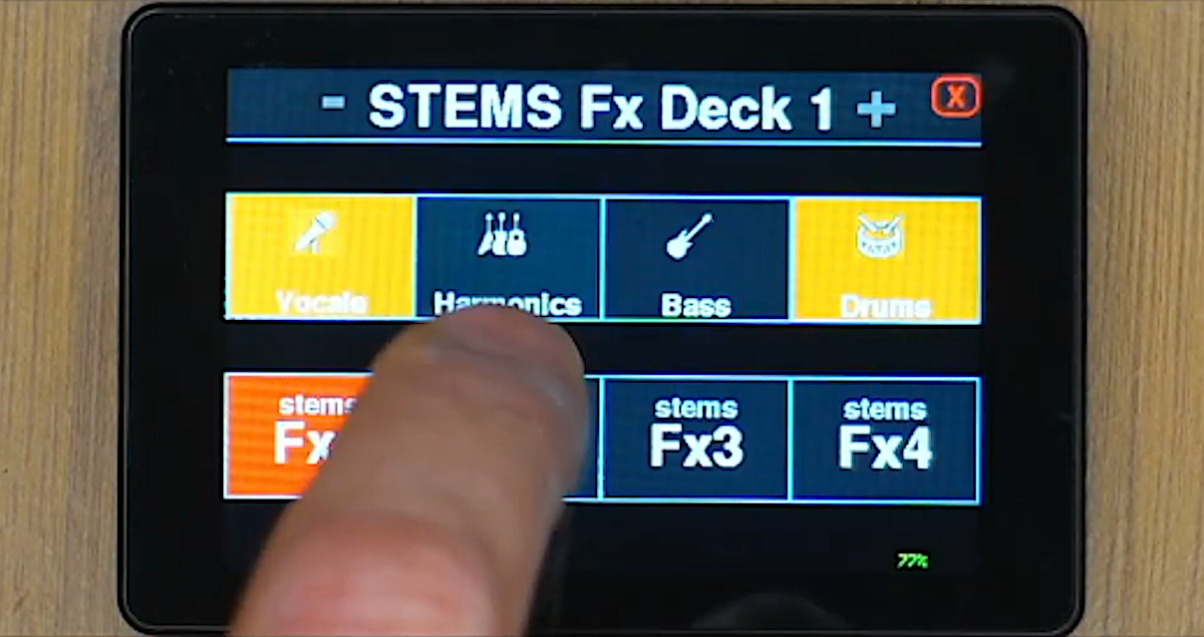
The DJ Touch 1 Deluxe, from Dutch developer MixMasterG, offers a third option – and it costs roughly €43 all in. It’s a small wireless touchscreen Midi controller that connects to your computer over Bluetooth and gives you dedicated stems and stems effects control, right there next to your decks. MixMasterG will be a familiar name to many of you as the developer behind the DJ Conversion Utility, and this is his latest project.
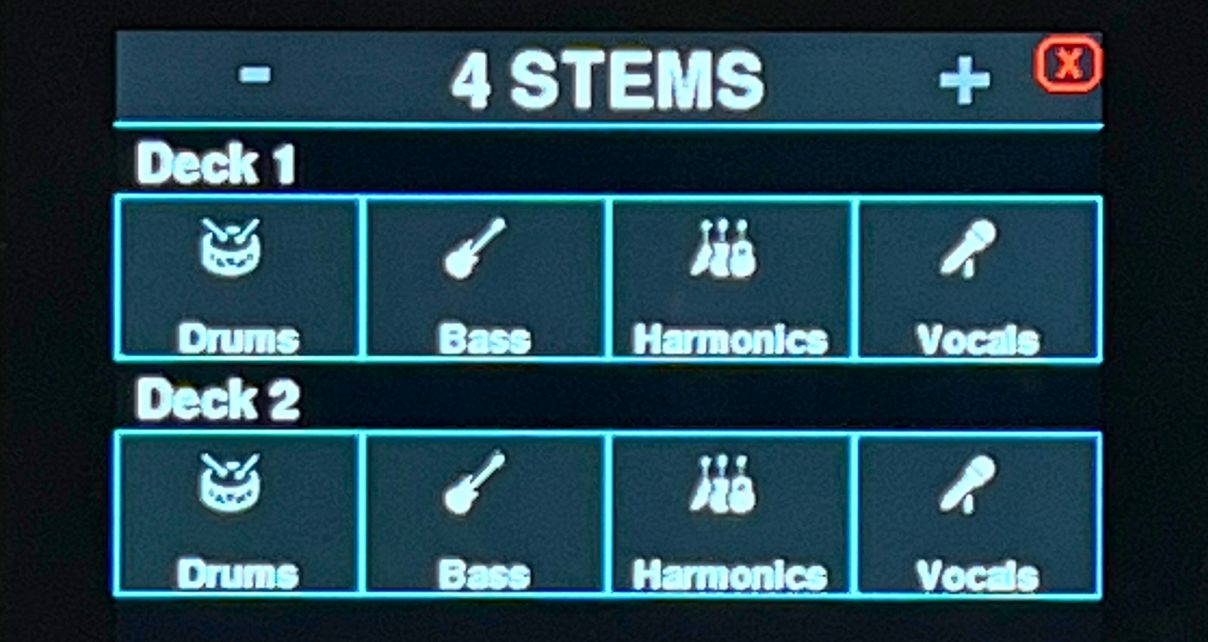
Now, let’s be upfront: this is not a plug-and-play, out-of-the-box experience in the way you might be used to with mainstream DJ gear. You’re buying a small ESP32 S3 board (about €25 from Chinese marketplaces like AliExpress), downloading the firmware, and flashing it yourself using a provided app. It’s Mac only, and you’ll need to set up Bluetooth via macOS’s Audio Midi Setup rather than the usual Bluetooth preferences, and install Midi mappings manually for your software of choice. If the words “flash the firmware” make you want to close this tab, that’s completely fair – this probably isn’t for you.
But if you’re the kind of DJ who quite enjoys a bit of tinkering – and plenty of us here in this community are, of course – it doesn’t appear to be that difficult, and the payoff is a wireless colour touchscreen stems controller for the price of a couple of rounds at the bar.
So what can it actually do?
The Deluxe is the successor to MixMasterG’s original DJ Touch 1, which was a proper DIY job. Enough people asked for a pre-built version that he found a different board – the JC2432W535C with a 3.5″ screen – that comes in a plastic enclosure, ready to flash. No fiddling, no hunting for the right ESP32 variant (which was apparently a common headache with the original).
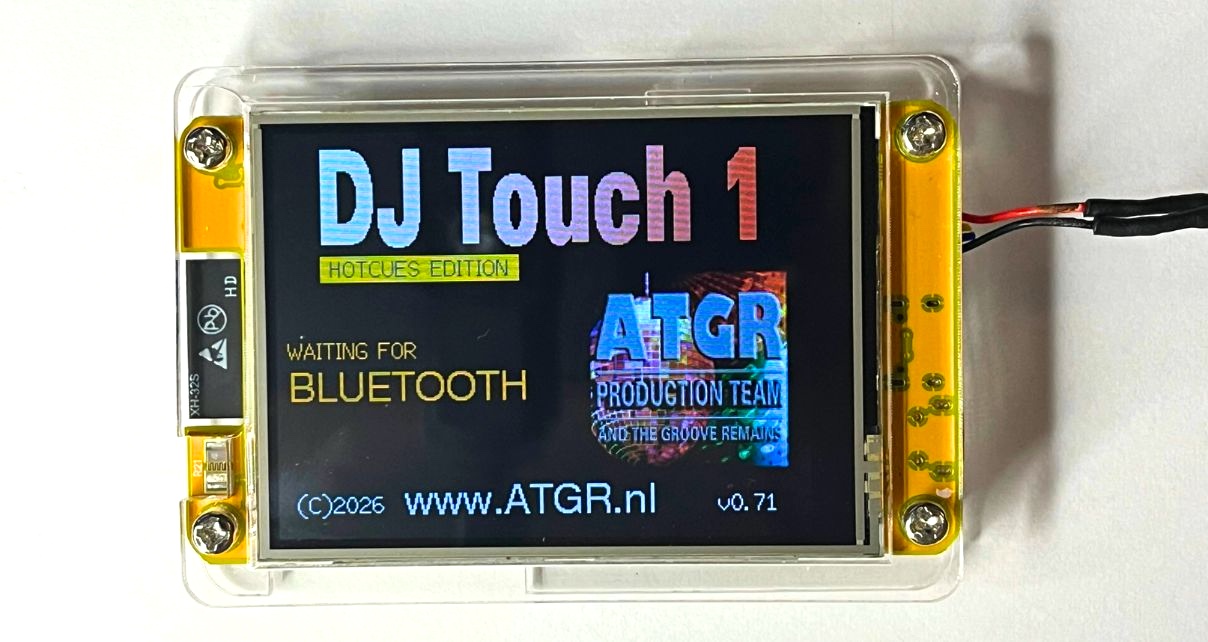
The Stems Plus module (€18, sold separately from the hardware) gives you three modes: two-stems control across four decks on one screen, four-stems control for two decks across two screens, or full stems and stems effects control for a single deck. That last mode is the interesting one – it works with any software that supports stems effects, and it even unlocks a hidden stems effects feature in djay Pro that isn’t accessible from the app’s own interface.
It ships with Midi mappings for Rekordbox, Serato, djay Pro, Traktor, and VirtualDJ. And because it uses standard Midi, you could map it to video or lighting software too, or remap the effects pads to other functions entirely if your software doesn’t support stems effects.
A few things to know
It requires Bluetooth 5, which means most computers built after 2020 are fine, including all Apple Silicon Macs. Older Intel-based Macs, older iPhones and iPads won’t work – and unfortunately a Bluetooth 5 USB adapter won’t solve the problem either.
You also may need a paid subscription for some software to use Midi devices – Rekordbox requires a Creative subscription (or an AlphaTheta controller that unlocks one), and VirtualDJ needs a paid plan. Serato requires a connected controller to enter performance mode, which is needed for Midi device support.
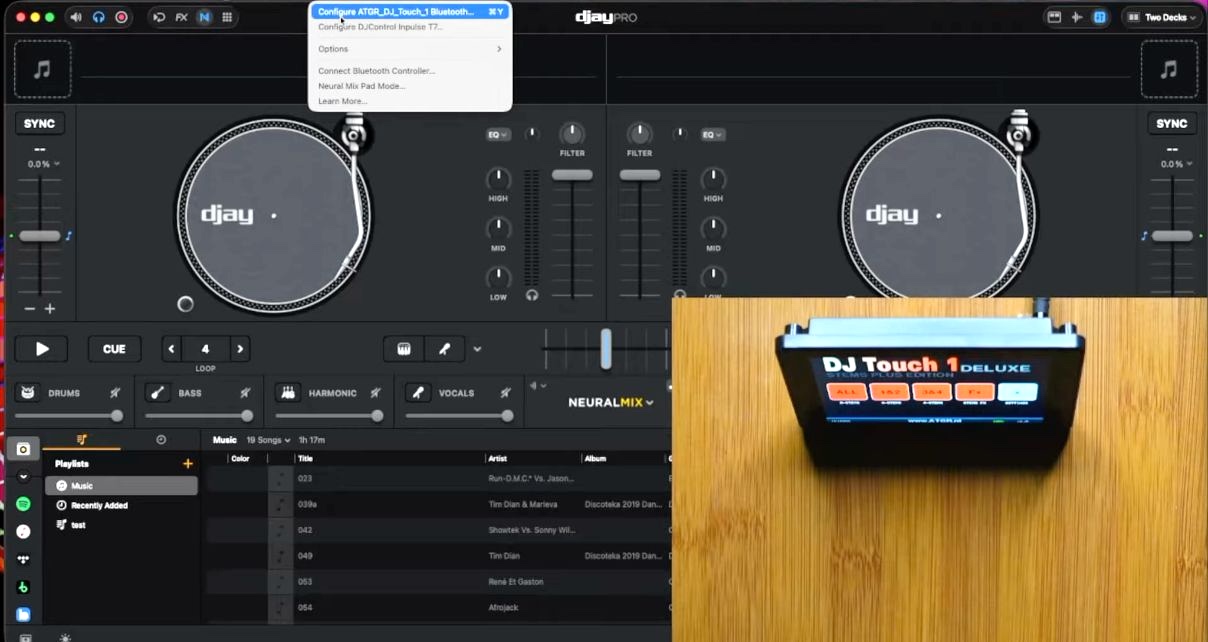
Power comes via USB-C from any source – computer, power bank, CDJ USB port, wall adapter – and the unit also supports a 3.7V LiPo battery if you want to go fully wireless. You’ll need to make your own battery cable (specs are in the starter guide), which would be another little project for the tinkerers among us.
The board itself costs around €25 from Chinese marketplaces. The Stems Plus software is €18 from the ATGR Sellfy store. So you’re looking at roughly €43 total (approximately $45) for a wireless touchscreen stems controller – which, whatever your feelings about DIY electronics, is pretty affordable.
Sign up to our newsletter
 Free every Tuesday
Your weekly digest of the latest training, gear reviews, industry news, and exclusive tips and tricks to help you stay ahead in your DJing.
We collect, use and protect your data in accordance with our Privacy Policy.
First Thoughts
This sits in an interesting space. It’s the kind of project that a certain type of DJ – the ones who enjoy pulling things apart, customising their set-ups, and knowing exactly how everything works – will absolutely love. MixMasterG is a proper enthusiast, and the care that’s gone into the software support (five major DJ platforms, detailed Midi mappings, a free demo) shows this isn’t a throwaway novelty.
For the rest of us, the question is whether the tinkering is worth the savings. If you’re already frustrated that your controller doesn’t have stems control and you don’t want to spend hundreds on an upgrade, €43 and an afternoon of set-up is a compelling answer.
Read this next: Live Redrums – How To Make Any Track Hit Harder Using Stems
We’ve actually got both the original DJ Touch 1 kit and a Deluxe here at DDJT HQ, and as soon as we get time, we’ll be assembling them and making a video about the experience – so watch this space. Meanwhile, if you’re interested, we suggest you watch MixMasterG’s video here first before dropping any cash – links to buy are in his description.


Phil Morse
Beginner DJ?Start Here.
Free 3-Part Video Course
Join now for instant access.