
When we reviewed the AlphaTheta XDJ-AZ, one of our biggest criticisms was that you couldn’t see all four-deck waveforms at once when DJing with four decks. It was a strange omission on a unit that’s clearly designed for multi-deck performance, and it bugged us.
Well, AlphaTheta has addressed it. Firmware version 1.30 has dropped, and the headline feature is full four-deck waveform display. But there’s more in the update too – Tidal support, QR code login for streaming services, and the ability to update firmware directly over the internet.
What we cover in this video
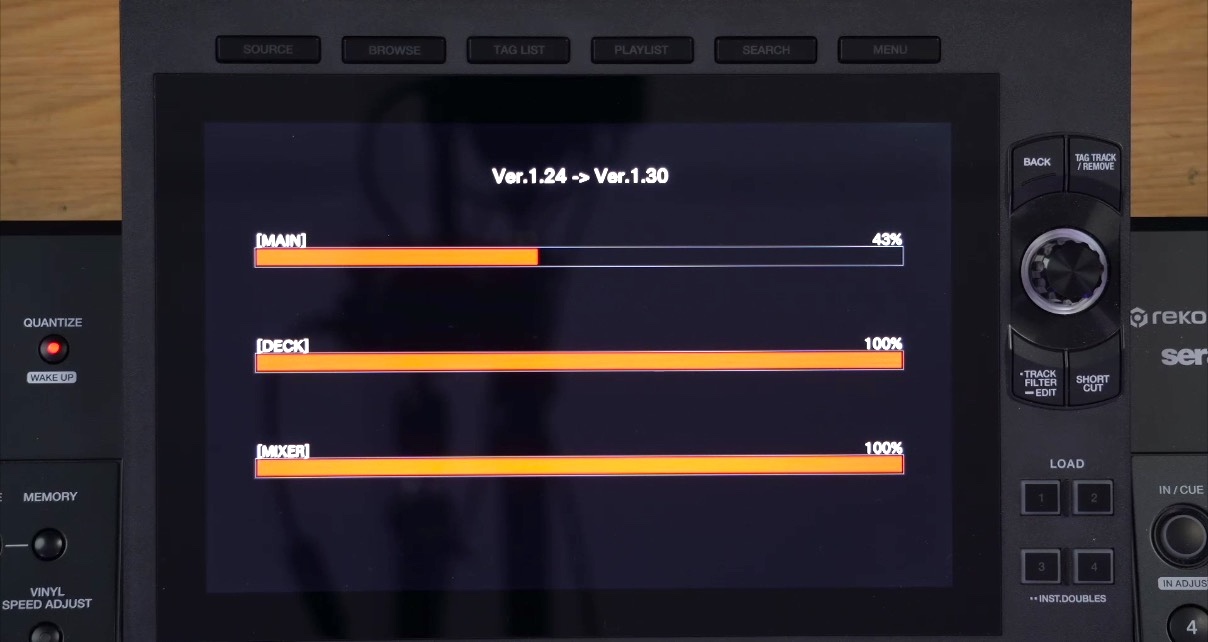
In the video above, we walk through the entire update process and put the new features through their paces on our studio XDJ-AZ. We show you how to get the firmware installed (including a workaround we had to use when the official update method wouldn’t cooperate), what the new four-deck view actually looks like in practice, and how it changes the experience of mixing on four decks with this unit.
We also take a look at the other new features – some of which worked exactly as expected, and some of which… didn’t quite behave themselves during our testing. We’ll let you watch to see which was which.
Read this next: Free AlphaTheta XDJ-AZ Training Tutorial & Video Manual
If you’re an XDJ-AZ owner who’s been holding off on four-deck mixing because the display made it impractical, this is the update you’ve been waiting for. Being able to see all four waveforms – both overview and main – on a single screen is a big deal for anyone who wants to get creative with multi-deck sets.
Hit play on the video to see the full walkthrough, and let us know in the comments if you’ve had the same experience updating – or if you’ve managed to get the features working that gave us trouble.
- If you want to learn everything about Rekordbox software – whether you’re using the XDJ-AZ, a controller, or any other Rekordbox-compatible gear – take a look at our Rekordbox Made Easy course.


Phil Morse


