


The Lowdown
The iLoud Micro Monitor 2 is the long-awaited second generation of IK Multimedia’s tiny studio monitors, now with a built-in USB-C audio interface, Bluetooth, a free tuning app and optional ARC X room correction. They’re for DJs and home producers working in small spaces who want something clearly better than budget desktop speakers. At $/€349 with the measurement mic, or $/€299 without, they’re a great buy and improve on the originals in pretty much every way.
Video Review
First Impressions / Setting up
IK Multimedia, from Italy, more or less invented this style of speaker back in 2016 with the original iLoud Micro Monitor, which we reviewed at the time. This is the long-awaited second generation, and it borrows technology from the company’s high-end speakers.
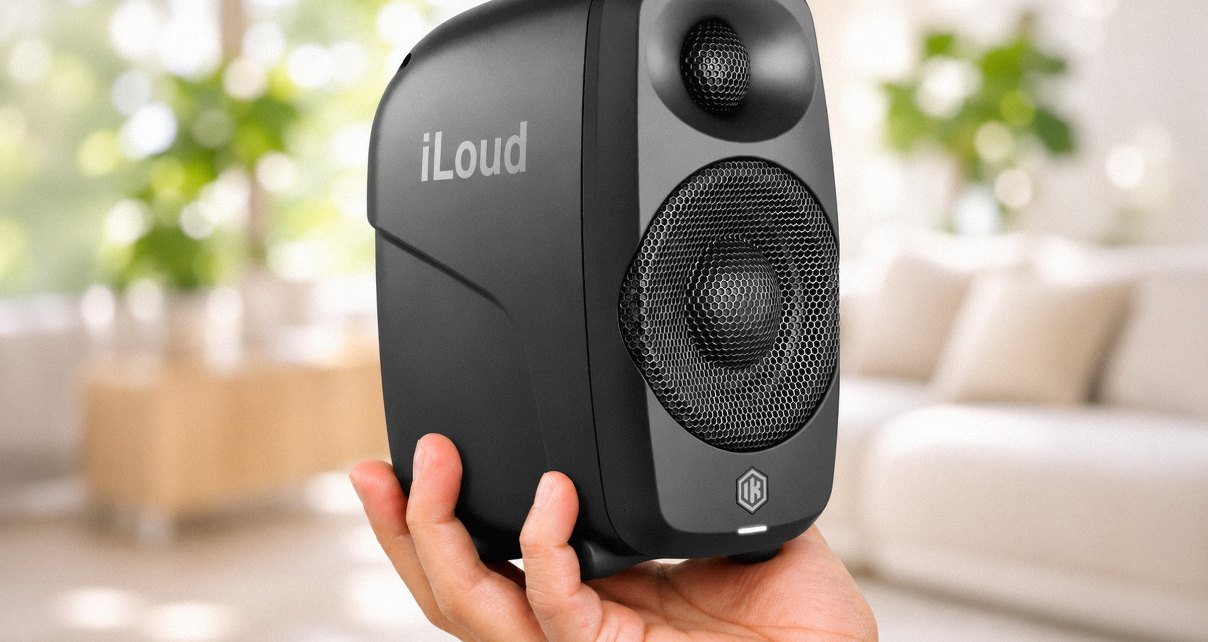
Tiny, but not flimsy
They’re small, at 98 x 182 x 140mm each, but they don’t feel lightweight. The moulded cases are high quality and the whole thing feels substantial.
Each speaker has a foot underneath that angles it up a little. For DJing it doesn’t angle them up enough, so I’d put them on a slightly higher shelf or find another way to tilt them, because you want the tweeters pointing at your ears.
There are threads on the bottom too, as on the originals, so you can screw them onto speaker stands if you prefer.
One active, one passive
The two speakers look the same, but only one of them has the electronics. The primary speaker drives the secondary one over a single link cable, and that’s all the secondary speaker needs.
That link cable is a special four-pin one, and it’s in the box. It’s non-standard because the system is bi-amped: there are four Class D amplifiers, with separate amps for the tweeters and the woofers, giving 50W RMS in total. That’s very loud for speakers this size.
Bi-amping also lets IK get the timing right, which it calls a linear phase design. Timing is what gives you the stereo space. When it’s off, everything starts to sound muddy and you can’t tell where things are in the mix. This is what you’re paying the extra for over consumer speakers of a similar size.
Round the back
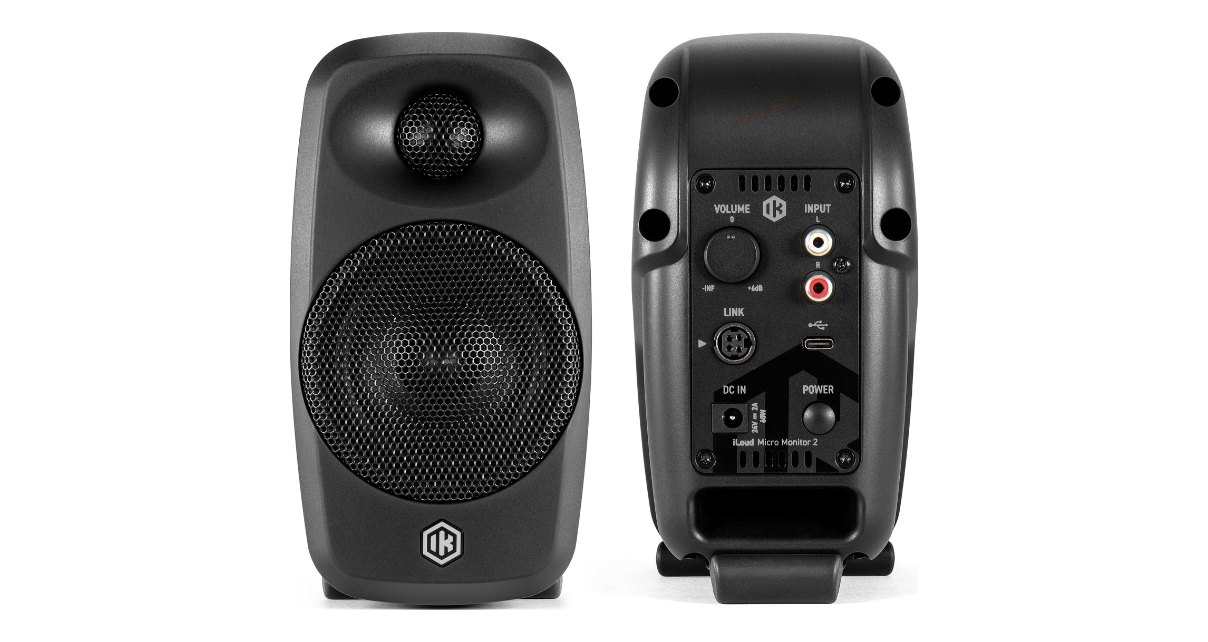
The primary speaker has RCA inputs, but the mini jack input from the originals has gone. I don’t think anyone will miss it.
The big addition is a USB-C input, which means these speakers have an audio interface built in. There’s also Bluetooth, a bass port that has moved from the front to the back (where I prefer it), and a power button with proper standby modes, which I’ll come back to.
I set them up how I suspect most Digital DJ Tips readers will use them: RCAs plugged into a small DJ controller, in a space without much room to spare.
In Use
One pair for everything
Speakers like this tend to be more flexible than purist studio monitors, because in a small space they’re probably your only speakers. You don’t want the clutter of a second pair just for playing music from your phone.
That’s why the USB-C input matters so much to me. You can plug your laptop straight in without a separate audio interface, which means one less box and less clutter on your desk.
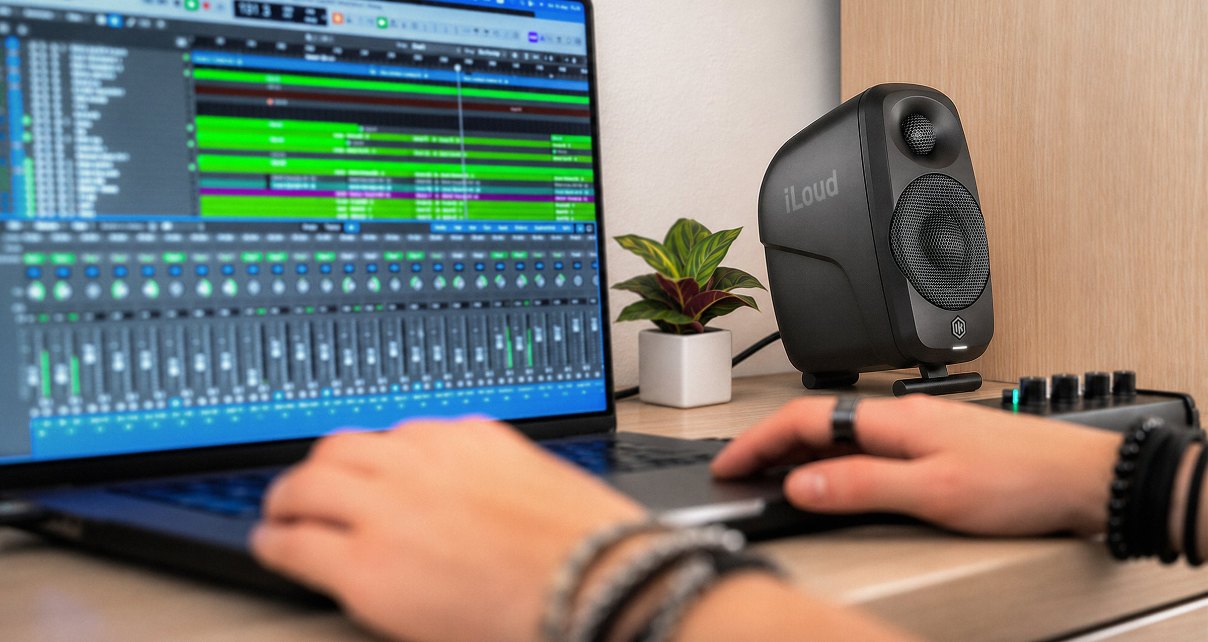
Add the RCAs for your DJ gear and Bluetooth for casual listening from your phone, and you can leave one pair of speakers permanently plugged into everything you’re likely to need.
A free app to tune them
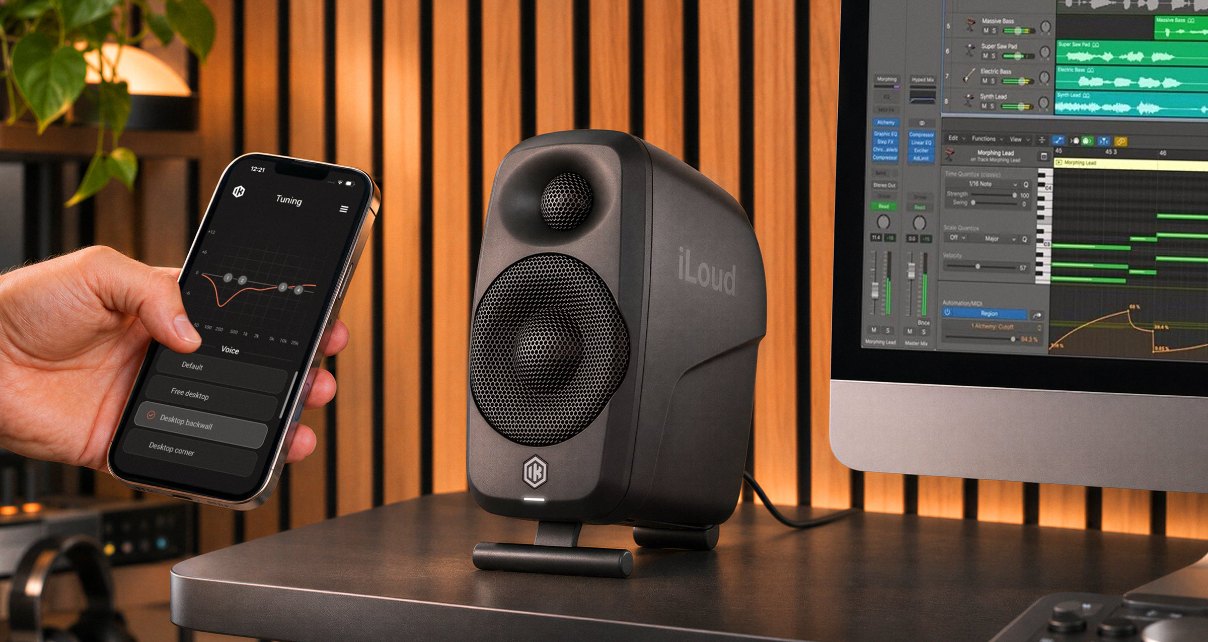
Alongside these speakers, IK has launched a free app called iLoud Control, for iOS and Android. There’s no subscription, it pairs with the speakers, and it gives you a four-band EQ you can drag around on screen.
It also has preset voicings for where you’ve put them, such as an open desktop, a desktop against the back wall, speaker stands, or a console meter bridge above a mixing desk.
On top of that, you can change the colour of the LEDs, update the firmware, and swap the left and right speakers. That last one is handy if your mains and cables naturally come in on the wrong side of your desk.
The app replaces the little EQ switches on the back of the originals, and you can do far more with it. One niggle: it asks you to log in, and my username and password wouldn’t work. You don’t need to log in to use it, and it’s a version one app, so hopefully IK will fix that.
Dialling in the bass
In my setup, there wasn’t enough bass for me to DJ happily. I’m sure we’ve all DJed with our EQs in an unhealthy position just to get the sound we want in the room.
Instead, I pushed the bass up in the app, and I could get these sounding really sweet exactly where they were, not even angled up to my face. I suspect most DJs will make those kinds of rough compromises when setting these up, and the app handles them well.
Room correction: overkill for most of us
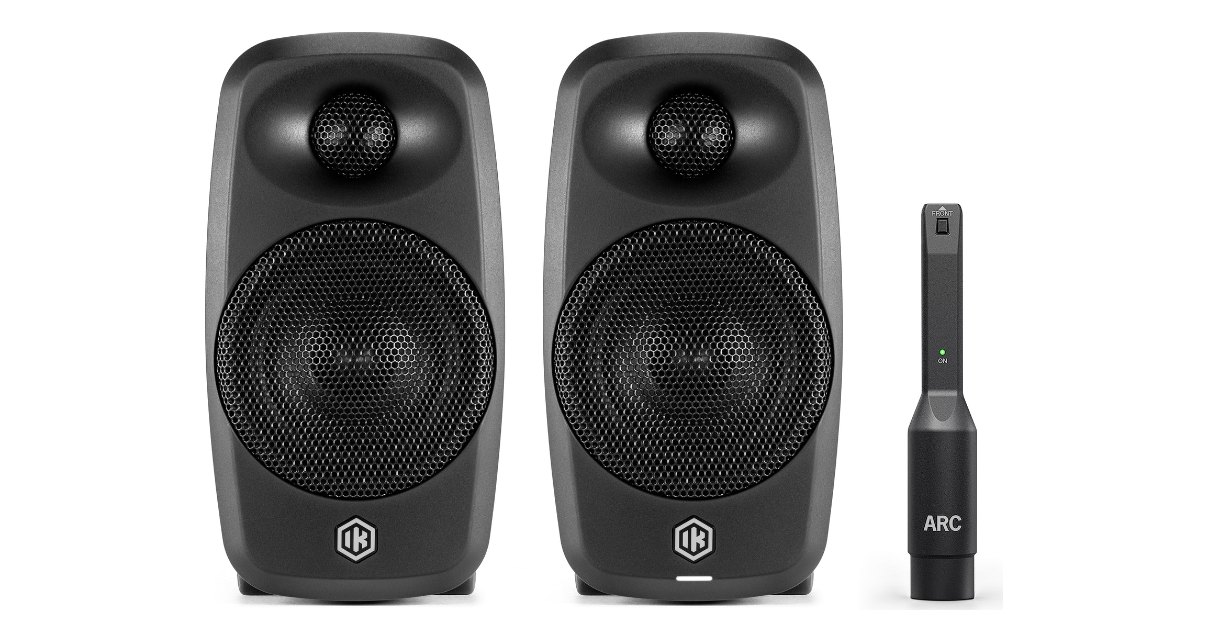
You can buy these with or without IK’s ARC measurement microphone, which comes with a clamp for a mic stand. It’s for ARC X, IK’s room correction system, which listens to your room and tunes the speakers to suit it. The improvement is always subtle, but it’s there.
I think it’s overkill for these speakers. Most people will buy a pair to use the way I had them set up, and for that, the EQ in the app is plenty.
It’s also convoluted. There’s nowhere to plug the microphone into the speakers, so you need an XLR cable, an audio interface and your computer to take the readings, and then the computer plugged into the speakers to send the results across.
What I’d like to see is a simplified version of this in the app, using your phone’s microphone, the way some consumer speaker brands do it. The app already talks to the speakers, so it should be possible.
If you’re running these with a subwoofer, or as part of a bigger surround setup, ARC X makes a lot more sense, and IK sells a 2.1 bundle with its iLoud Sub for exactly that. For our crowd, though, I don’t think many people will be too interested.
Always ready to go
The power button is a software switch, so you can choose a soft standby where the speakers come on instantly, or a deeper standby where they still wake up as soon as you start playing. That means you can leave them switched on and set up all the time, ready for when you want to play.
How they sound
They have a clear, vibrant sound with nice deep bass for their size, and the stereo separation is really good. IK quotes a low end down to 40Hz at -10dB (its figure, not our measurement).
They’re also really loud, which you’d expect from something called iLoud. The changes over the originals are small tweaks, but they’re meaningful ones, and they add up to a better speaker in pretty much every way.
Conclusion
The iLoud Micro Monitor 2 is the best all-rounder speaker we’ve seen from IK Multimedia for small home studios. They sound clear and loud, the USB-C input does away with an extra box, and the free app makes it easy to tune them for a cramped setup.
If you want to spend about $/€300 to $/€350 on something that’s a clear step up from other small speakers, they’re a great buy. They suit a DJ with a small controller in a small room, a bedroom producer working on a laptop, or anyone who wants one pair to cover their DJ gear, their computer and their phone.
The ARC X room correction is the part I’d skip. It’s optional, it works best in bigger multi-speaker setups, and the app does the job for a simple pair. I’m taking these home now for longer-term testing in my own setup.
If your budget is tighter and you mainly DJ, Pioneer DJ’s DM-50D speakers are a decent, DJ-focused option. Overall though, these are tiny speakers, big sound, and one pair that plugs into everything. These are a great buy.

