Switching from DJ controller to standalone gear? Making that leap opens up a whole new way of DJing – but there are a few things worth knowing first. This video tutorial (an All-Access Pass exclusive) covers everything you need to know, including a few things about using standalone gear at home that tend to catch people out.
What you’ll learn
Going standalone doesn’t mean ditching the laptop completely – it’s still where you’ll prepare music and manage your library. The lesson starts there and works through everything you need to get up and running, including:
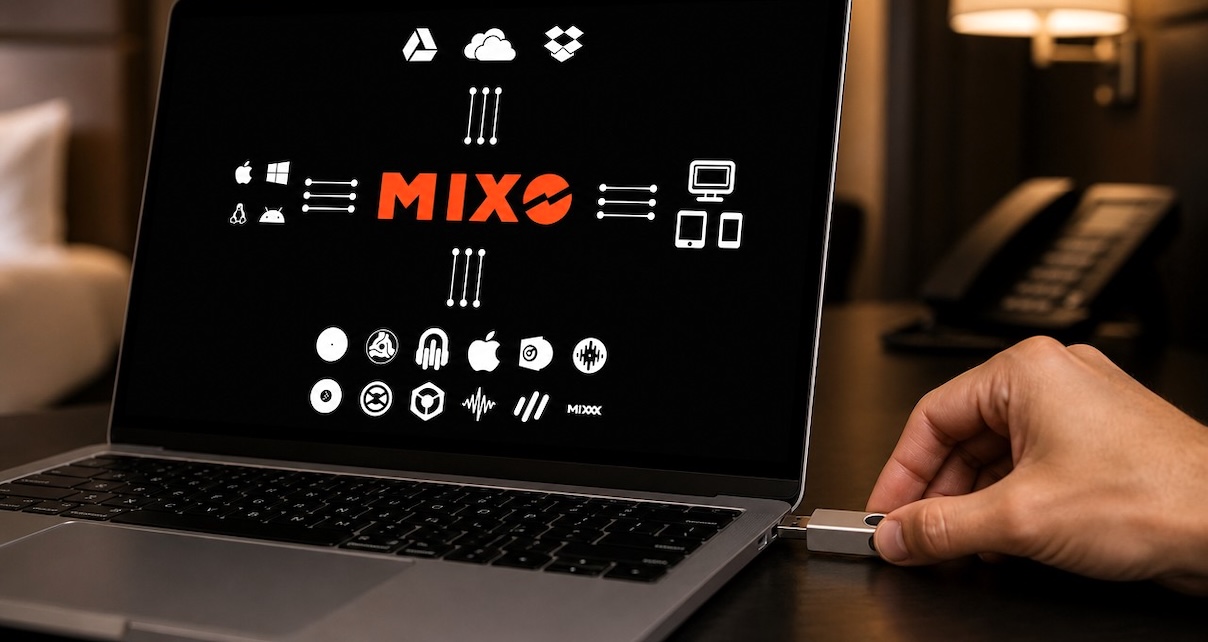
- How to get music into your standalone system, whether that’s Rekordbox or Engine DJ (plus third-party tools if switching from another platform, including Lexicon DJ and DJCU)
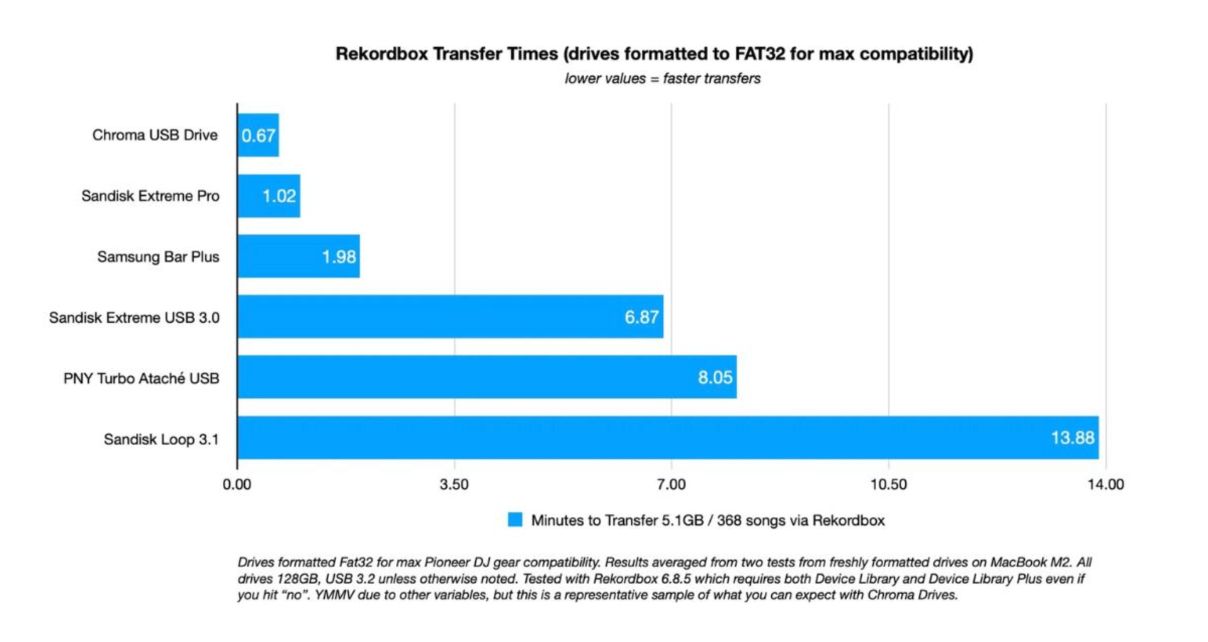
- How the USB export workflow works – and why a fast drive matters
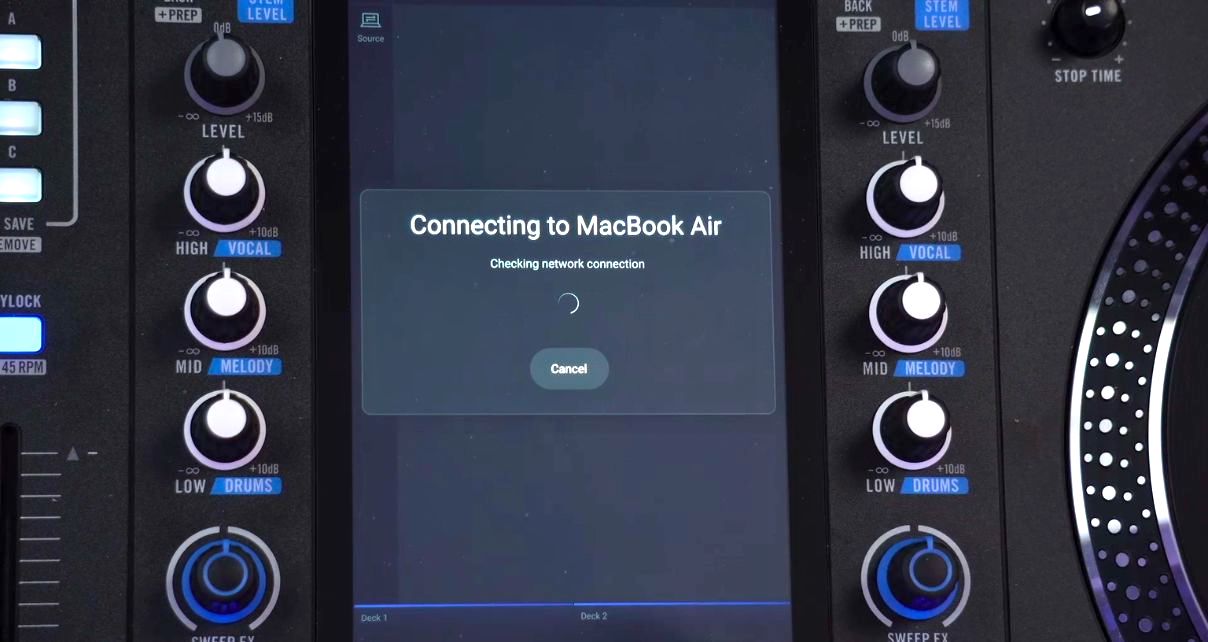
- How to connect your standalone unit directly to your laptop over Wi-Fi, skipping the USB step entirely
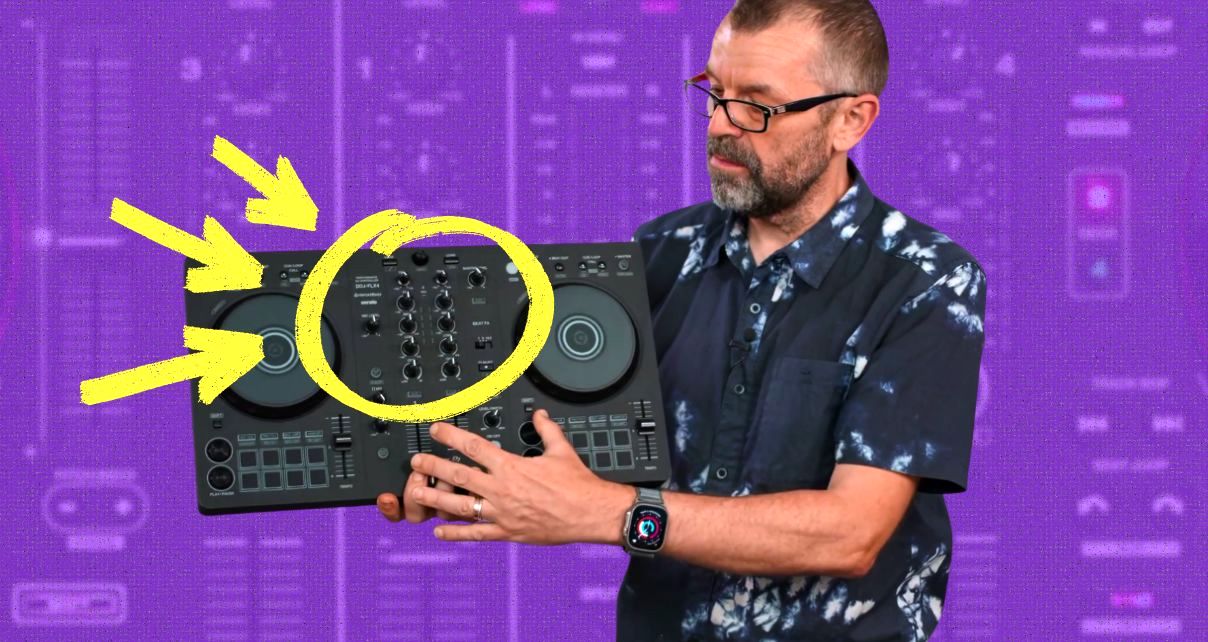
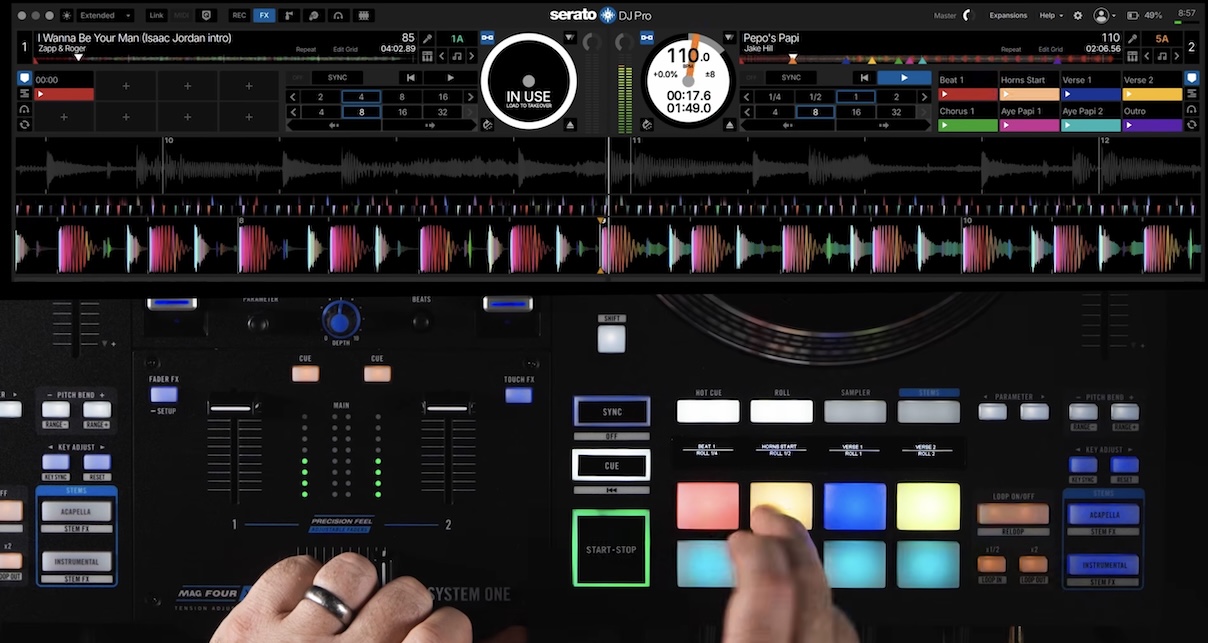
- How to use standalone gear as a DJ controller when you want your laptop back in the mix
Read this next: USB Drives For DJs – 6 Crucial Tips For Trouble-Free Use
The Wi-Fi connection bit is the one most people don’t know about until someone shows them, but it’s a game-changer for home use. Both Engine DJ and Rekordbox support it, and once you’ve used it, exporting USB drives every time you add new music feels like a step back.
Finally…
The USB export workflow is completely fine if you’re gigging regularly. But if you’re mainly a hobby DJ, this lesson shows you a much more natural way to use standalone gear – one that removes most of the friction and lets you just get on with DJing.
If you’re passionate about this hobby and found this lesson useful, grabbing an All-Access Pass gets you every course we’ve ever made and will make in the future – unlimited training for life. Click here to check it out.
Have you made the switch to standalone? What’s been your biggest challenge? Let us know your thoughts below.


Phil Morse
Beginner DJ?Start Here.
Free 3-Part Video Course
Join now for instant access.