Digital DJ Tips
0
x
  • Log In
  • Join
  • My Courses
  • Sign Out
  • x
  • 0
  • Courses
  • News
  • Reviews
  • Free Guides
  • Book
  • Testimonials
  • Merch
Log In Join
🔓 Unlock all our DJ training with the All-Access Pass - Find out more here

latest

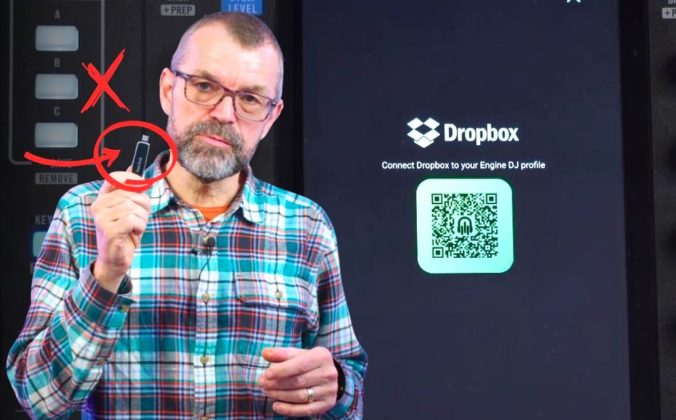
Phil Morse holds up a USB drive with a red X and circle arrow graphic overlaid, standing in front of a Rane System One DJ unit and a screen showing the Dropbox Engine DJ profile connection page with a QR code.

Engine DJ & Dropbox: Can You Really DJ Without USB?

It's Official: Beatsource Is Merging Into Beatport

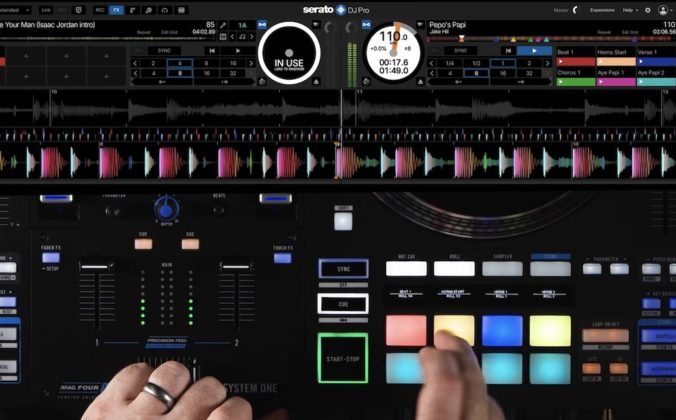
Rane System One Now Seamlessly Supports Serato DJ Pro

Featured cat image
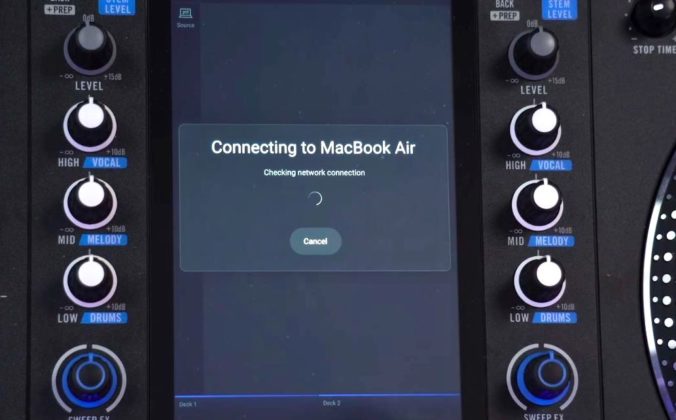
Zoomed in view of a Rane System One screen that reads "Connecting to MackBook Air" with a loading circle icon.

How To DJ From Your Laptop on Engine DJ Gear (No USB Needed!)

Close-up on a DJ holding headphones over gear in a pro DJ booth.

5 DJ Trends To Watch In 2026 (According To 22,000 DJs)

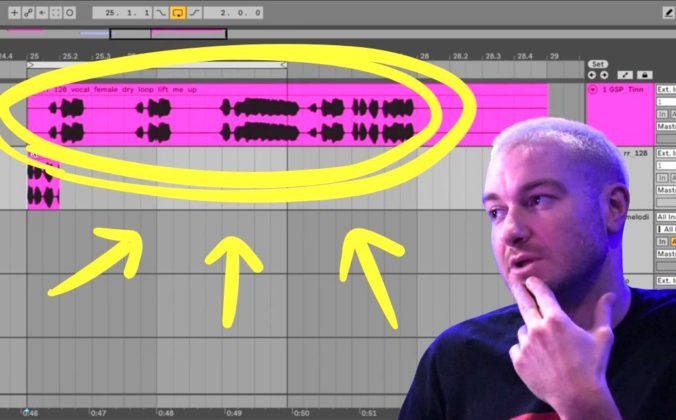
James Hype pictured beside an Ableton Live session showing a vocal sample loop highlighted in pink, demonstrating how to identify and work with a hook in a club track. There's a yellow oval circling the sample and three arrows pointing to it. James has two fingers on his chin, looking towards the sample with a thoughtful expression.

What’s a “Hook” And Why Does Every Club Banger Need One?

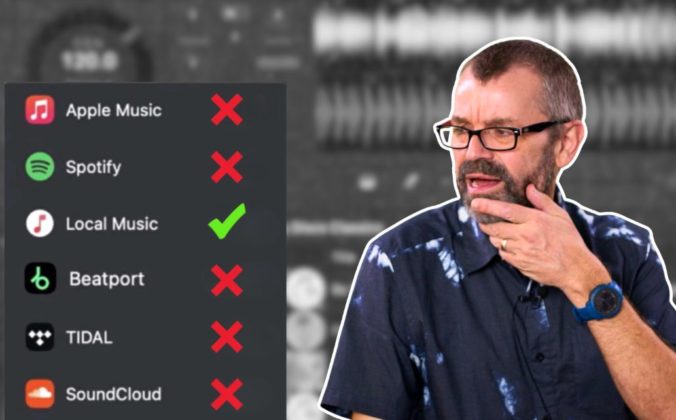
Phil Morse standing next to and looking at a graphic showing streaming service logos including Apple Music, Spotify, Beatport, Tidal, and SoundCloud each marked with a red X, while Local Music is marked with a green tick. He's holding his hand to his chin with a confused expression.

Why Serious DJs Still Buy Their Music (And Don’t Rely On Streaming)

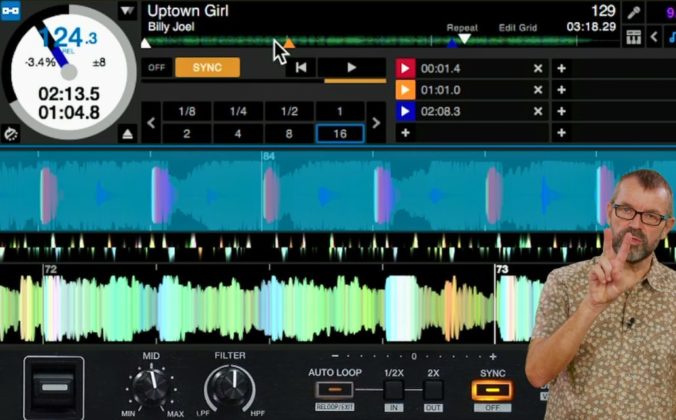
Phil Morse holds up two fingers against a DJ software screen showing Billy Joel's "Uptown Girl" loaded on a deck with a loop active.

Live Redrums: How To Make Any Track Hit Harder Using Stems

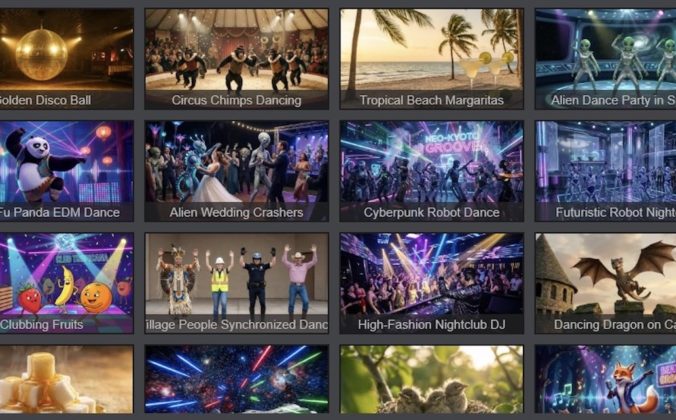
VirtualDJ Gets Fluid Beatgridding & AI Video Visuals

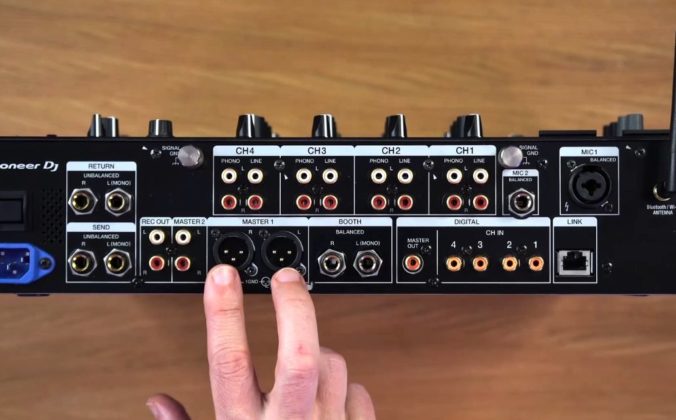
A person points at the Master outputs on a Pioneer DJ DJM-A9 mixer. The mixer is stood upright on a wooden desk in a well-lit room.

DJ Mixer Inputs & Outputs: Every Connection Explained

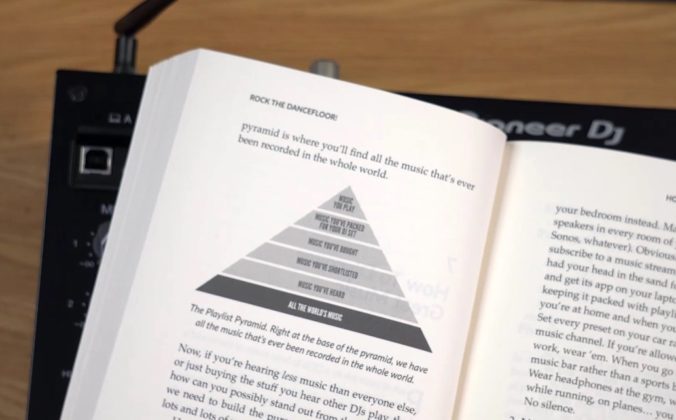
A book lies open, showing a "Playlist Pyramid" graphic on the page. The book is set on a Pioneer DJ controller and a light wooden desk in a well-lit room. The Playlist Pyramid, starting from the bottom, reads "All The World's Music", "Music You've Heard", "Music You've Bought", "Music You've Packed For Your DJ Set", and "Music You Play".

The Playlist Pyramid: From Music Discovery To Great DJ Sets

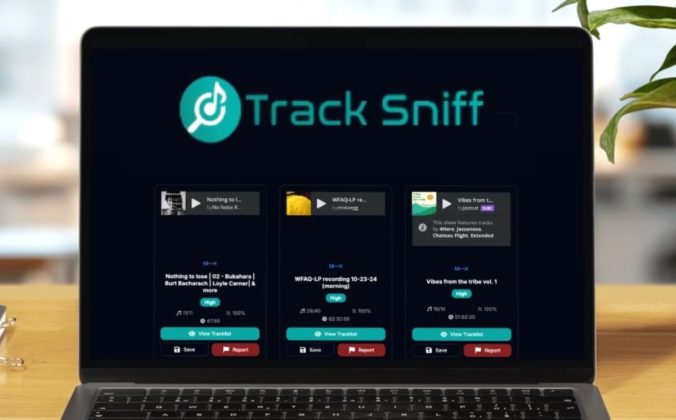
TrackSniff displayed on a laptop screen in a well-lit room.

TrackSniff Is A Shazam Alternative Built For DJ Mixes

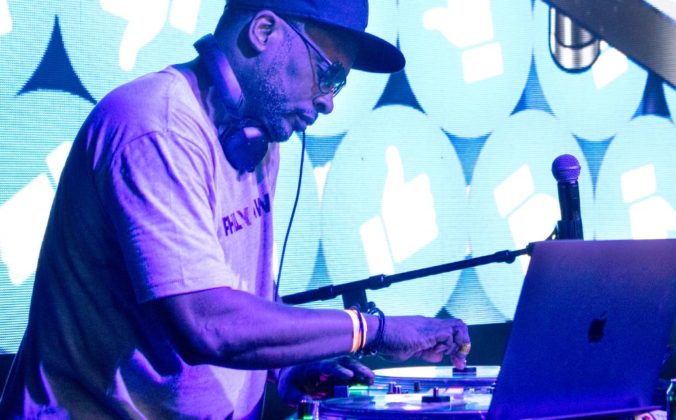
DJ Jazzy Jeff performing at a DJ booth wearing headphones and a baseball cap, adjusting controls on his equipment with a laptop visible, against a backdrop of turquoise and white thumbs-up icons on an LED screen.

DJ Jazzy Jeff’s Genre System: How A Legend Organises 40 Years Of Music

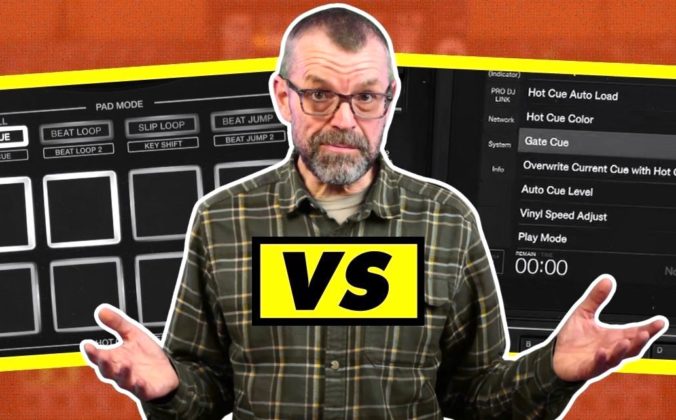
Phil Morse gestures with both hands raised in explanation, standing between graphics showing DJ controller hot cue pads on the left and a CDJ-3000X gate cue menu setting on the right, with "VS" in yellow and black displayed prominently in the centre.

Gated vs “Normal” Hot Cues: Why They’re Different On CDJs & Controllers

Ministry of Sound Reopens After Risky Main Room Rethink

Rekordbox Auto Loop Bug & How To Fix It
 
Digital DJ Tips

Explore

  • About Us
  • How We Are Funded
  • Courses
  • Student Testimonials
  • Live Lessons
  • Blog
  • Gear Reviews
  • Our Book
  • Free Gear Tutorials

More

  • Podcast
  • Contact
  • Policies
  • Posting Rules
  • Legacy Reviews

Social

  • youtube YouTube
  • facebook Facebook
  • instagram Instagram