


All those knobs, faders, and buttons can make your DJ mixer feel pretty overwhelming. But here’s the truth: you only need to grasp a handful of things to get mixing.
In this free lesson pulled from our Complete DJ Course (just one of the full suite of DJ and production courses available inside All-Access Pass), we break down your DJ mixer’s basic functions. Watch through the free training above, then use this guide to cement what you’ve learned.
So, what is a DJ mixer, exactly?
Your mixer controls what your audience hears – and crucially, what you hear in your headphones while preparing the next track. That’s it. Whether it’s a £100 beginner controller or a £2,000 club mixer, the job is the same.
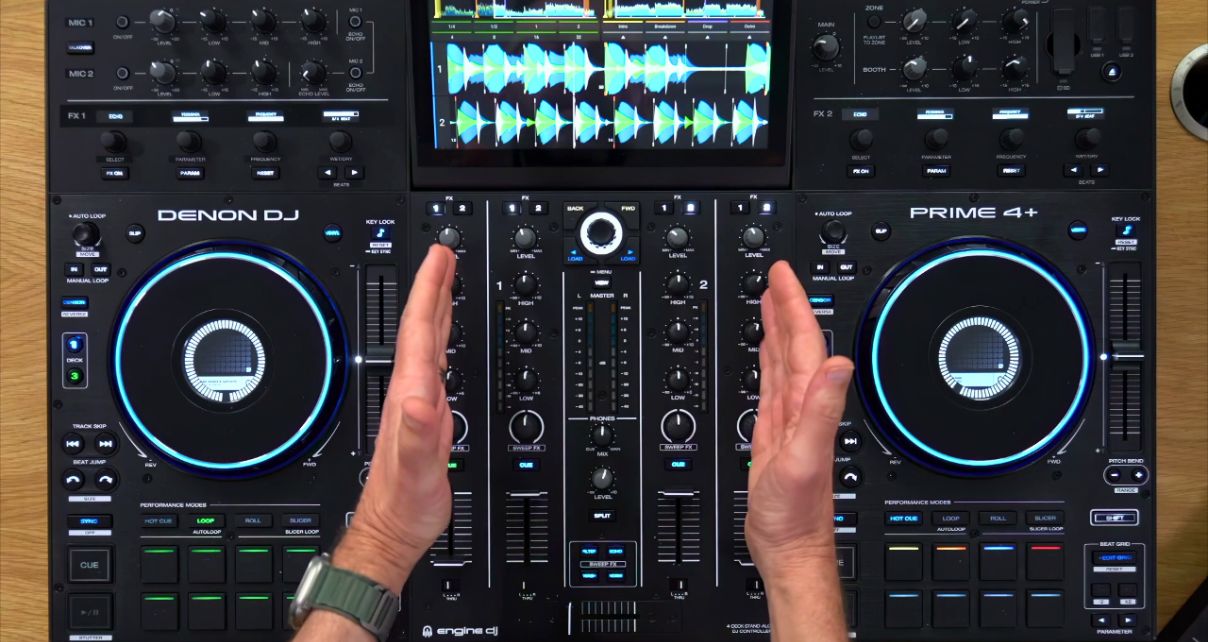
Despite how complicated mixers look, you only need to understand a few things to get started:
- Your channels are where audio comes in – Most mixers have at least two: usually the middle two if you’ve got a bigger mixer. Each channel has its own volume control, EQ knobs, and effects. For now, just focus on getting sound into those channels
- Headphone controls are absolutely vital – You’re looking for three things: the cue buttons (one per channel), the headphones mix knob, and the headphones volume. The cue buttons let you choose which channel you’re hearing in your headphones, the mix knob blends between what’s in your cans and what’s playing out loud, and volume does what you’d expect. Some mixers have a split cue option too, which is worth playing with
- Moving between channels is what DJing is all about – You can do this with your individual channel volume controls, or you can set them up so one’s on the left and one’s on the right, and use your crossfader instead. Both work fine – figure out which you prefer
- Master output and meters are how you control your overall volume – You want those meters bouncing around nice and loud without pushing up into the red. That’s your sweet spot
Sign up to Tuesday Tips
 Free newsletter
 Your weekly digest of the latest training, gear reviews, industry news, and exclusive tips and tricks to help you stay ahead in your DJing.
We collect, use and protect your data in accordance with our Privacy Policy.
Next Steps
You’ve watched the video and understand the theory. Now let’s make sure you can actually do this on your own gear, whether that’s a budget controller, a full standalone system, or something you’d find in a pro DJ booth.
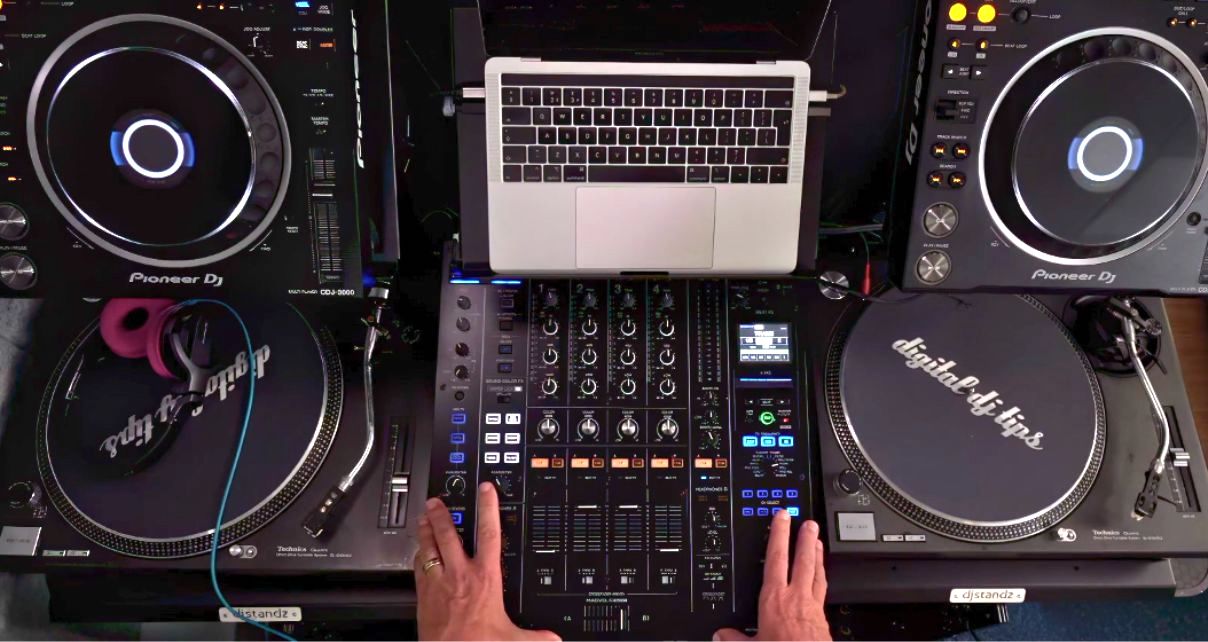
Grab your mixer and work through these four things:
- Get audio playing on two channels – you should see signal lighting up on both
- Listen to one channel in your headphones while the other plays to your speakers – find those cue buttons and get comfortable switching
- Fade between your two channels – try it with the volume faders first, then try the crossfader
- Get your levels right – play some music and keep those meters out of the red
That’s all you need from this lesson. Once you’ve figured those four things out, you know enough to start mixing. Everything else – the EQ knobs, the effects, the fancy features – you can learn as you go. But these fundamentals? Get them sorted before you move on.
This lesson is from The Complete DJ Course, just one of the full suite of DJ and production courses available to All-Access Pass members.


Phil Morse


