


Ever watched a DJ cutting channel faders in time with the music and thought it looked too difficult? That technique is called a “fader cut”, and while it looks cool, mastering the skill itself is pretty straightforward. We break it all down in this tutorial.
If you want to add some “flash” to your next DJ mix, the fader cut is your friend. Watch through the free training below, then refer to this guide as needed to lock in what you’ve learned.
This free lesson is an All-Access Pass exclusive and just one of 250+ deep dives and mixing tutorials available to members – click here to find out more.
What’s a fader cut?
A fader cut is simply using channel faders to cut sound on and off in time with the music, creating rhythmic patterns. Works on any music – house, hip-hop, trance, wedding sets – and you don’t need special gear. If you’ve got channel faders on your mixer, you’re ready to go. Despite how impressive this looks, there are really just two approaches:
- Full beat fader clicks: Moving the fader on every beat
- Half beat (double speed) fader clicks: Moving the fader twice per beat for added intensity
The key to both is returning the fader to the same position every time for clean, precise cuts. Done well, fader cuts add visual flair to your mixing and become another creative tool for building energy in your sets.
What you’ll learn in this lesson
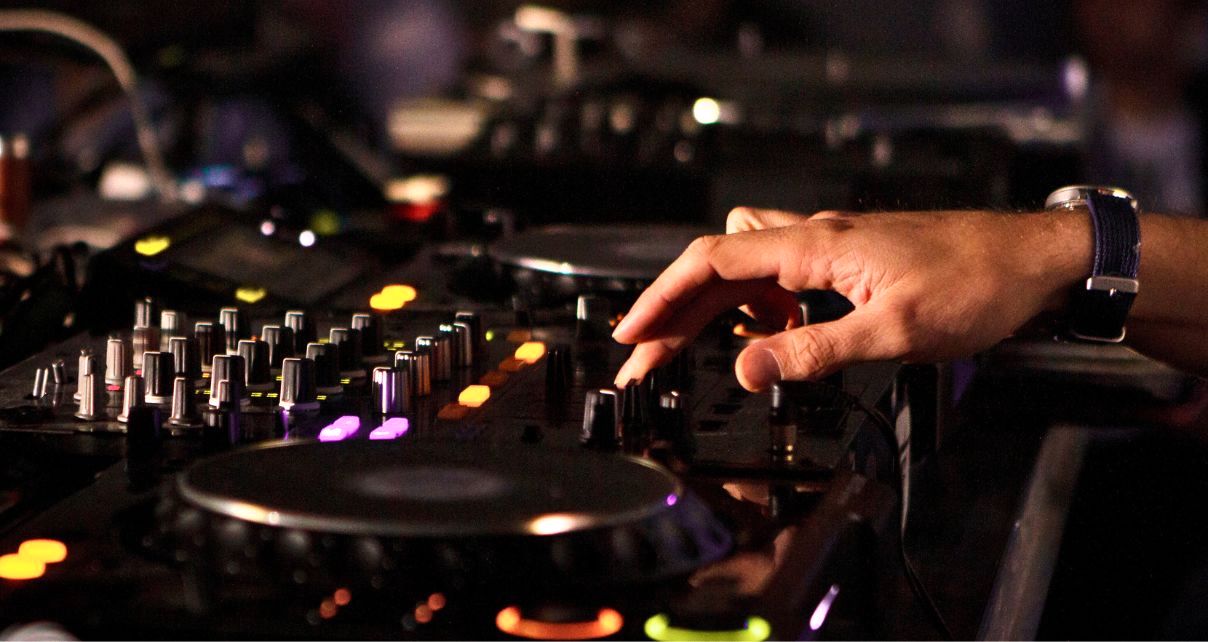
Fader cuts might look complex, but they’re built from just a few simple movements. The trick is knowing when to use full beat cuts, when to accelerate to double speed, and how to build patterns that create tension on the dancefloor.
In the video lesson above, Steve breaks down everything from the basic technique to building proper 8-bar patterns. He demonstrates each technique on working tracks so you can hear exactly how it sounds in real mixing situations – and more importantly, understand why and when to use each approach.
By the end of this lesson, you’ll understand:
- How to execute full beat fader clicks in time with any track
- The technique for double speed (half beat) fader clicks
- How to build tension and release using strategic silence
- The dexterity trick for returning the fader to the same position every time
- How to construct a complete 8-bar fader cut pattern that creates crowd reactions
- When to use full beat vs double speed cuts for maximum impact
Read this next: How To Find Time To Learn DJing (Proven Method For Busy People)
Follow-Along Practice Video
After watching through the main lesson, use this follow-along practice video to help master the patterns and 8-bar combo.
Tracklist
Weiss / James Hype – “Feel My Needs” (Extended Mix)
Modjo – “Lady (Hear Me Tonight)”
This lesson is just one of 250+ exclusive deep dives and mixing tutorials available to All-Access Pass members.
Next Steps
With the techniques clear, it’s time to practice. Start with full beat clicks until the timing feels natural, then work on those 8-bar patterns to create tension. Once you’re comfortable with the basics, add double-speed cuts towards the end of your patterns for extra impact.
The beauty of fader cuts is they work on any track, any genre – basslines, vocals, whatever sounds good. The more you experiment, the more you’ll find your own style with this technique.


Phil Morse

